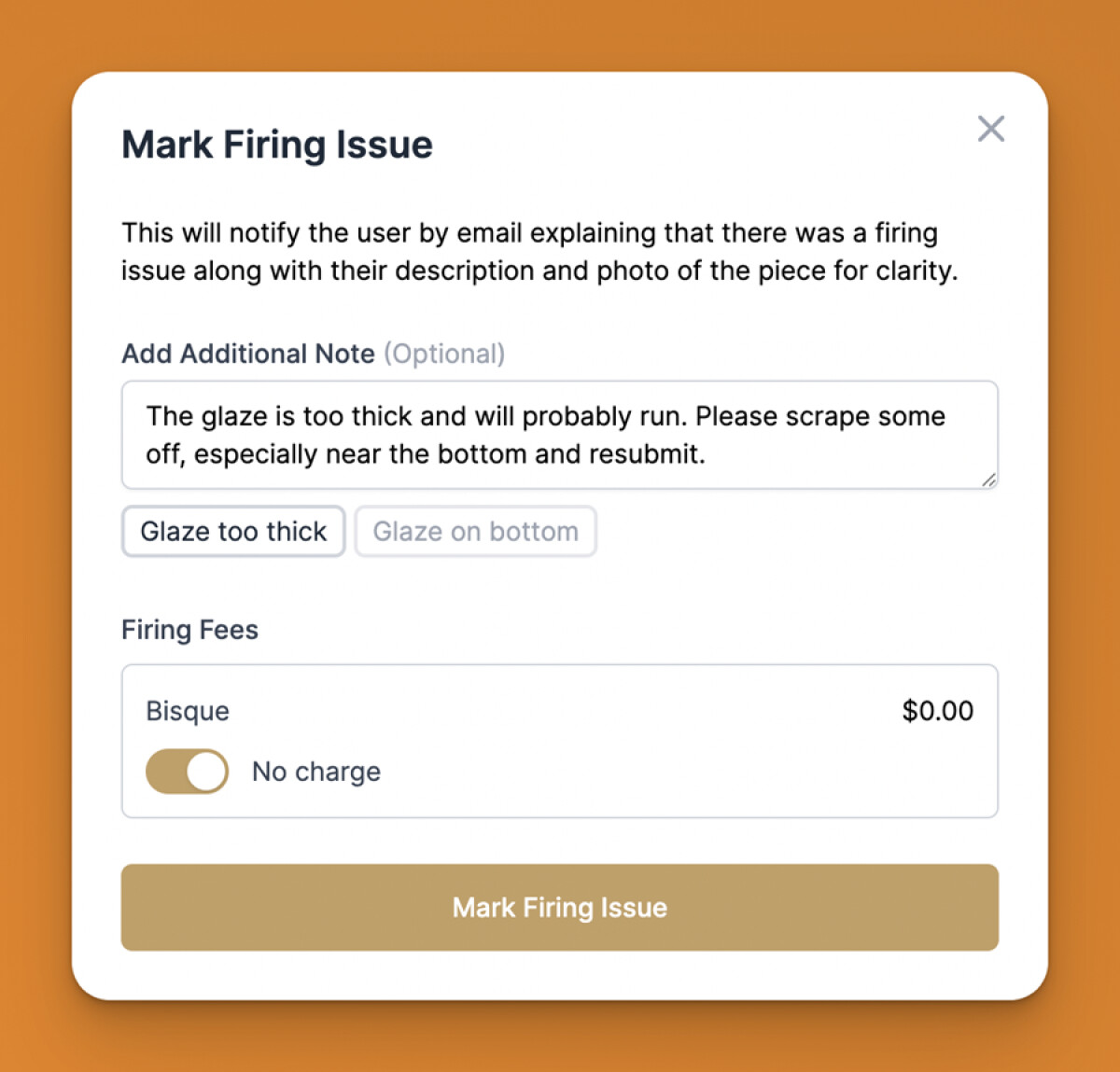
If an issue comes up in the loading or unloading of kiln, click into the individual piece and click “Mark Firing Issue” button on bottom.
NEW! Add Multiple Firing Issues at Once
A piece can now have multiple firing issues as marked by staff rather than a single one. This gives studios much more flexibility and allows for those that are marking firing issues before they go in the Kiln (such as "Please clean the bottom of the piece...") to continue to mark issues on a single piece as it goes through multiple phases of the Kiln. They will still send the email to the member as always, but you can now view all firing issues on the "View Piece" page.
In addition, you can now create saved firing issue messages that can be added by staff in a single click! No more copying and pasting! Just head to Studio > Pieces & Firing Fees > Firing Issue Messages and create them from there. Then in the "Mark Firing Issue" window that comes up, they will be able to click to add a message in seconds!